Born in the dining room, written by a certified sommelier
A sommelier at every table, even on a full night.
EnoTable looks at the dishes your guest has ordered and recommends the right bottle from your wine list, within their budget. From the QR code on the table, in five languages, no app.
The demo list has 138 wines and a full menu, exactly as your guests see it.
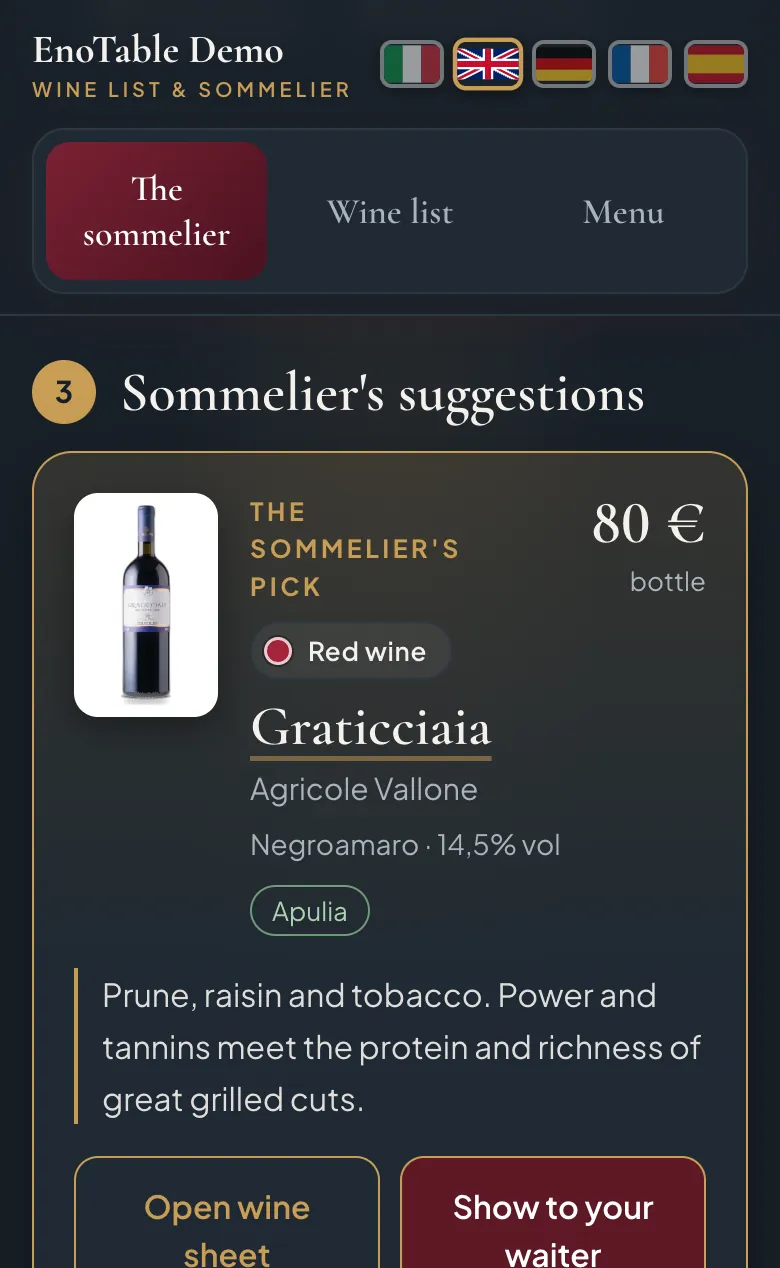
From plate to bottle in four taps.
These are the real screens a guest sees, not a mock-up.
 1
Picks the dishes
The guest scans the QR code and taps the dishes they ordered. They are the dishes on your menu, not generic categories.
 2
Says how much to spend
A price range and, if they like, red, white, sparkling or alcohol-free. No app to download, no sign-up.
- 3
Gets the recommendation
The right bottle from your list, with the reason for the pairing. And next to it, a suggestion for those who want to treat themselves.
 4
Shows it to the waiter
One tap and the screen turns into an order slip readable from a distance. The waiter brings the bottle, no misunderstandings.
Guests choose better. And often spend a little more.
Next to the recommendation within budget, EnoTable suggests a second bottle just above the chosen amount, explaining why it is worth the difference. No pressure: it is the question a good sommelier would ask, "if you'd like to go a little higher, I have something special".
And when the guest shows it to the waiter, the right bottle arrives first time, even if the new hire started only last week.
Graticciaia, Agricole Vallone80 €
ES, Gianfranco Fino90 €
Your list stays yours. So do the levers.
From the restaurant dashboard you decide what to highlight and what to move. It works from your phone, between one service and the next.
- House pick
- Mark the wines you are proud of: guests see them with a star and the sommelier is keener to suggest them.
- Push
- A lever guests don't see. When pairings are equal, the sommelier prefers the wines you want to move.
- Local wines first
- Wines from your area get their own label and, when the pairing works, appear as the local alternative. Travellers look for exactly those.
- Sold out in one tap
- Last bottle gone? Switch it off from your phone. Nobody orders a wine you no longer have.
| Wine | Price | Listed | Push |
|---|---|---|---|
| Graticciaia Agricole Vallone | 80 € | ||
| ES Gianfranco Fino | 90 € | ||
| Il Vescovo Terre di San Vito | 30 € | ||
| Chakra Blu Giovanni Aiello | 30 € |
Sample figures.
On the first of every month, the numbers from your dining room.
You receive a PDF report by email: how often the list was opened, which dishes are ordered with wine, which bottles are recommended and which actually reach the waiter, and the price ranges your guests choose.
It tells you what to reorder, what to drop and where to raise the average bill.
Add-on services
Beyond the wine list: your menu and your guests' feedback.
Two modules that add to EnoTable on the same QR code, in the same style as your restaurant. Switch them on whenever you like, without changing anything on the tables.
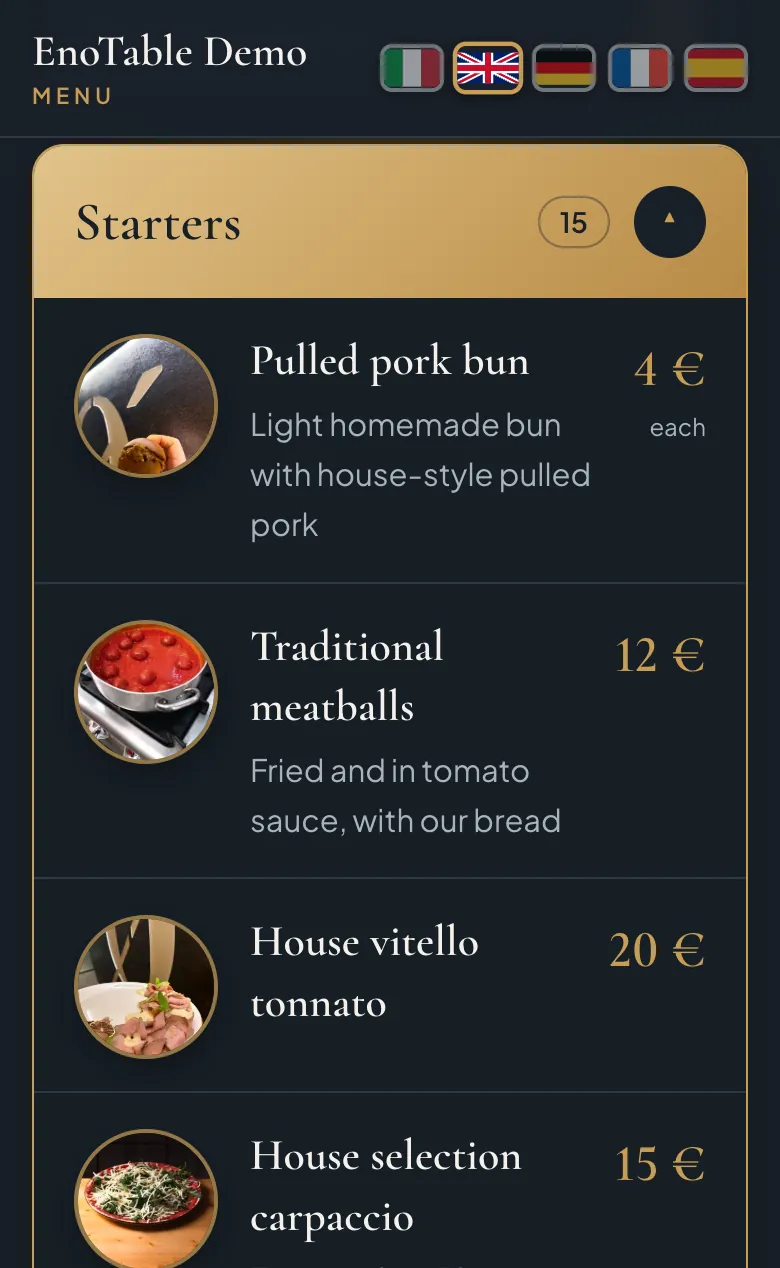
Digital menu with photos of your dishes
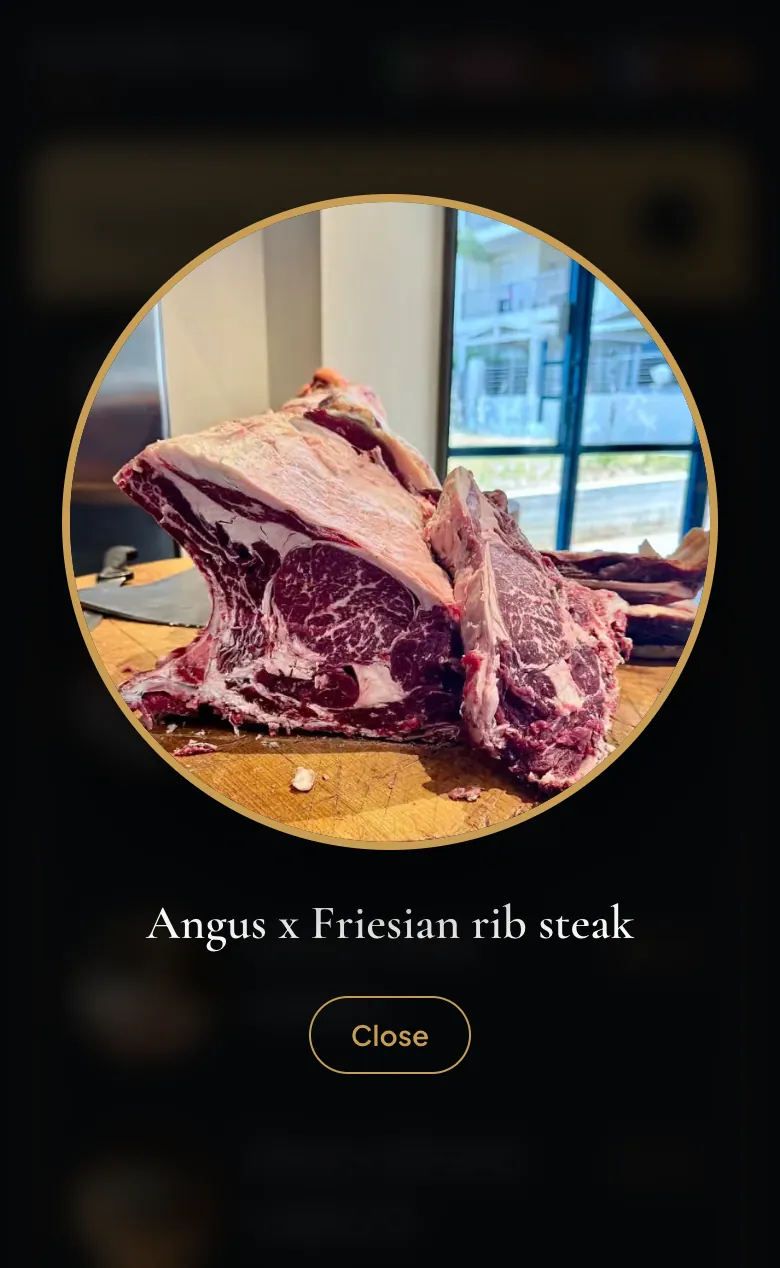
Your menu online in five languages, next to the wine list. One tap on the photo and the dish opens full screen: guests see what they are ordering before it reaches the table.
- 5 languages at no extra effort: you write in Italian, and English, German, French and Spanish are created automatically.
- Always up to date: prices, daily specials and sold-out dishes are changed by you from the dashboard, in seconds.
- Linked to the sommelier: from the menu to the wine list in one tap, and back.
- We do the first upload, even starting from a photo of the menu you already have.
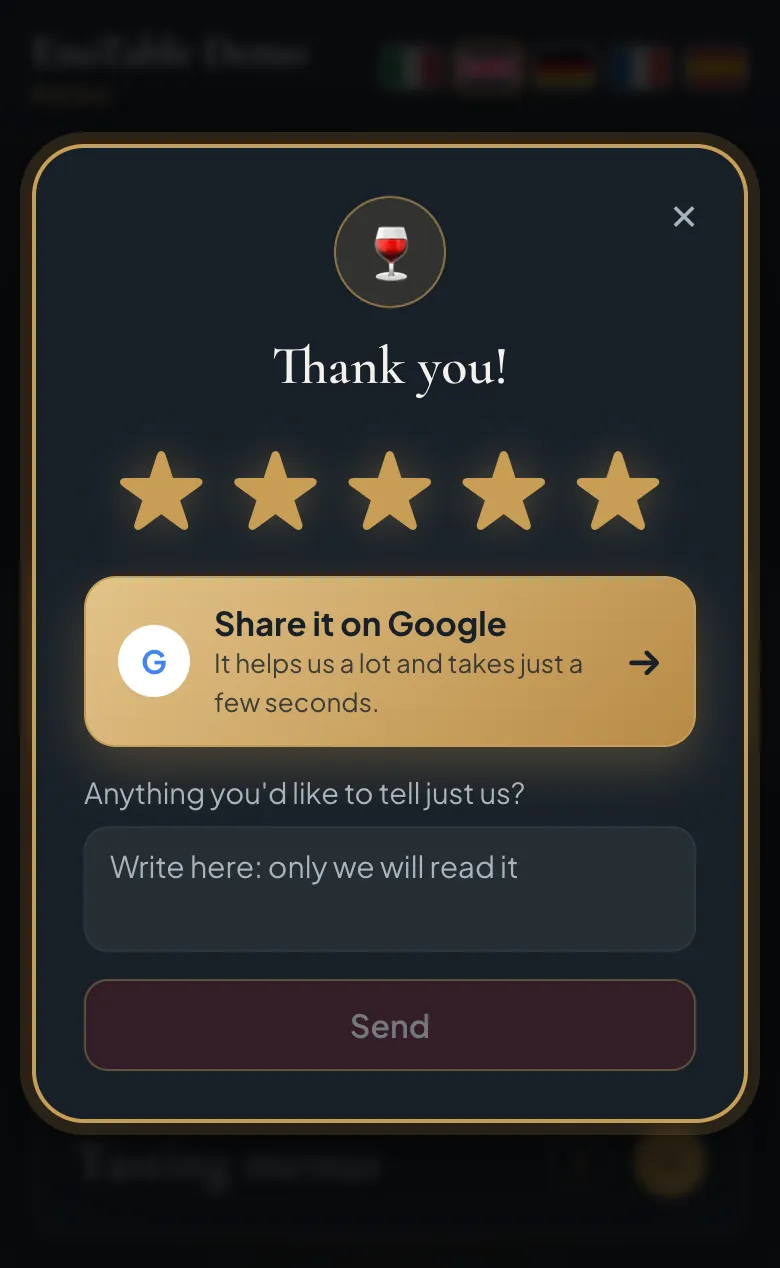
Feedback at the table
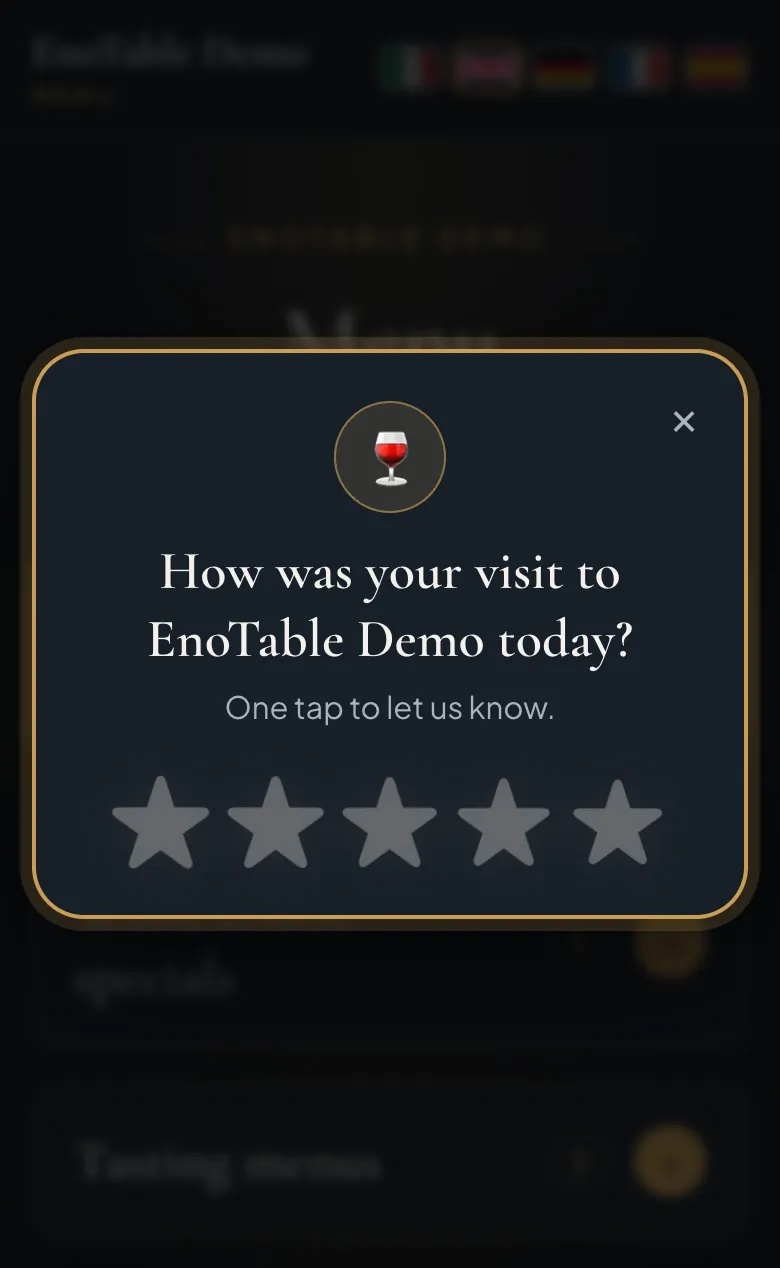
At the end of the meal, when the guest reopens the wine list or the menu, one simple question in their language: how was it today? Happy guests are taken straight to your reviews page. Guests who had a problem write only to you, and you get an email right away so you can fix it while they are still at the table.
- More positive reviews: one tap and the happy guest is on your Google page.
- Criticism reaches you, privately, before it ends up online.
- At the right moment: it appears only once, never while they are ordering.
- All in your Numbers: ratings, messages and reviews opened, in the dashboard, month by month.
Included with every list
Print-ready QR kit
Table tents, stickers and a plain QR code in EnoTable style, sent with the activation email.
Monthly report
On the first of each month, your dining room numbers in a PDF: what to reorder, what to drop, where to raise the bill.
We upload your list
Send us your wine list as a photo, PDF or Excel file: we upload it, you check it, and it goes to the tables.
Born in a dining room, not in an office.
EnoTable was born in a restaurant in Puglia, southern Italy, with a wine list of more than one hundred labels. The goal was simple: bring the richness of the cellar to every table, even on busy nights, when the sommelier cannot stop everywhere and a long list deserves someone to tell its story.
So the owner, a third-level sommelier certified by the Italian Sommelier Foundation (FIS), wrote down the way he pairs: cuts, cooking methods, sauces, price ranges. That reasoning became the EnoTable engine, and every evening it is put to the test by the restaurant's real guests.
Our partners
The restaurants already bringing EnoTable to their tables.
Frequently asked questions
Do guests need to download anything?
No. They scan the QR code on the table and the wine list opens in their phone's browser. It also works on a tablet in the dining room.
Who uploads the wine list and the menu?
We do the first upload, starting from the list and menu you already use. From then on you change prices, availability and preferences yourself from the dashboard.
Which languages does it speak?
Italian, English, German, French and Spanish. Guests choose their language with a flag, and recommendations, wine sheets and the order slip switch with them.
Are the recommendations made up by a generic artificial intelligence?
No. The pairing engine is written by a certified sommelier who runs a restaurant: it reasons on structure, richness, cooking methods and budget, and only chooses among the bottles you actually have on your list.
Can I have it on my website?
Yes. The wine list can be embedded in the restaurant's website and also opens from the QR code. The pages stay yours, the engine stays protected on our servers.
How much does it cost?
We discuss it at the first contact, after seeing your restaurant and your wine list. Fill in the form and we will get back to you.
Become a pilot restaurant.
We are choosing the first restaurants to start with, in Italy and abroad. Tell us about your restaurant: we will call you back, look at your wine list and menu together and show you EnoTable with your own wines.
Prefer to write? info@enotable.it